
Download DVDFab HD Decrypter – DVD backup, copy protection, backup tool, media preservation, decrypter, HD decryption, DVD ripping, digital copy, DVD to computer, secure backup, copy DVD, copy protection bypass, media library, digital archive, DVD copy software, video backup
Overview
DVDFab HD Decrypter is a dedicated utility designed to help users create high-fidelity digital backups of their physical DVDs. The app serves as a streamlined solution for preserving video content by transferring entire disc contents—including menus, audio tracks, and bonus materials—to a computer’s hard drive. Its primary purpose is to provide a secure, lossless method for archiving DVDs, especially useful for users concerned about disc degradation or accidental damage. The tool is particularly valuable in media preservation efforts, enabling individuals to build a digital library without compromising quality.
Target users include home media collectors, digital archivists, and anyone seeking a reliable way to copy DVDs without the need for complex workflows. While the developer, DVDFab, is known for a suite of multimedia tools, specific background details about the company were not provided. Real-world use cases range from backing up family videos and classic films to safeguarding legally owned commercial DVDs. In the broader app ecosystem, DVDFab HD Decrypter fills a niche role for users who require straightforward, no-frills decryption and copying functionality on Windows platforms.
Despite being released in 2016, the app remains relevant for those needing a lightweight, focused tool for DVD backup. Its continued availability suggests ongoing support for legacy workflows in digital media management.
Key Features & Functionality
- User-Friendly Interface: Designed for accessibility, the interface allows users of all skill levels to initiate backups with minimal effort. Navigation is intuitive, with clear labels and logical workflow progression.
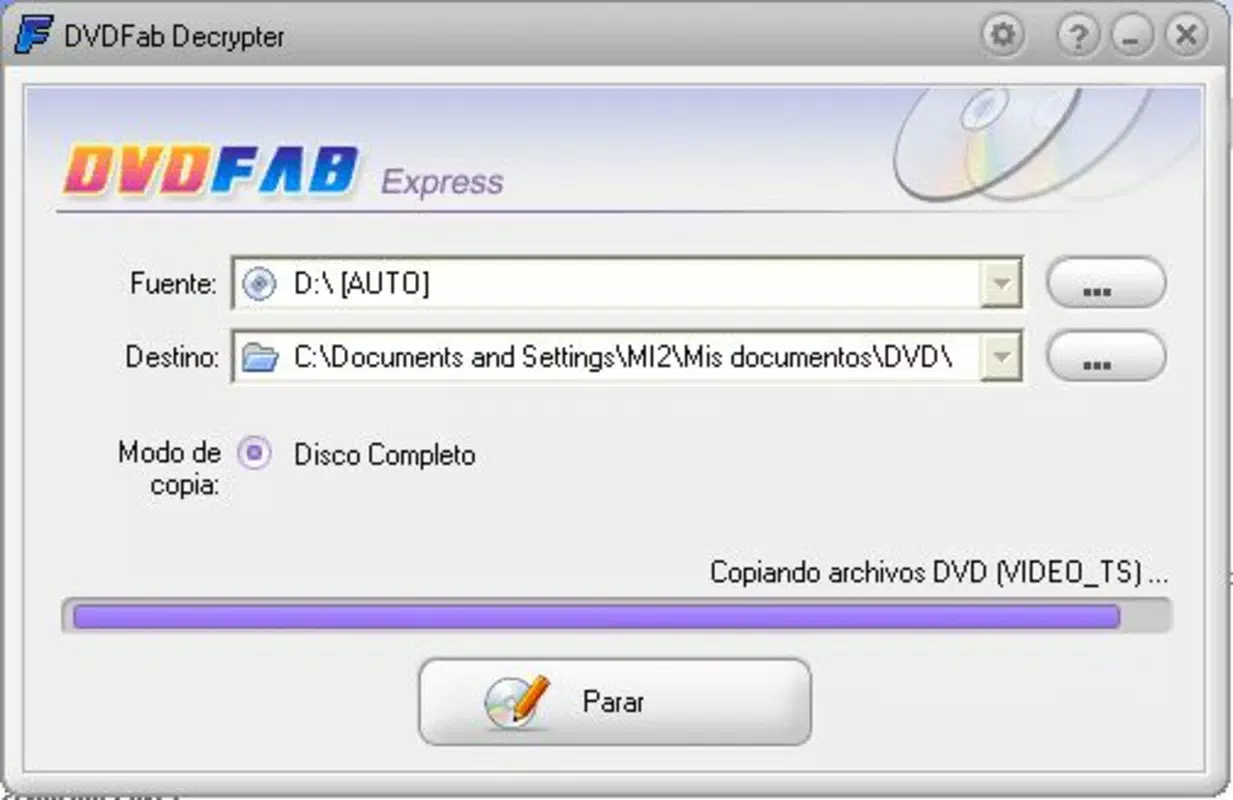
- Complete DVD Backup: The app copies entire DVDs to a specified folder, preserving all original content such as video, audio, subtitles, and interactive menus without quality loss.
- Bypasses Copy Protection: It effectively circumvents common copy protection mechanisms like CSS, Region Coding, and other anti-piracy technologies, enabling access to protected discs.
- Fast Processing Speed: The application completes backups in a fraction of the time typically required by similar tools, allowing users to multitask while the process runs in the background.
- Flexible Storage Options: Users can designate any folder on their local or external storage as the destination, offering full control over file organization and backup management.
For example, a user with a collection of vintage DVDs can use DVDFab HD Decrypter to transfer each disc to a dedicated folder on an external drive, creating a centralized digital archive. Another use case involves backing up a favorite movie before storing the original disc in protective casing, reducing wear and tear. The ability to bypass copy protection ensures that even older or region-locked discs remain accessible, enhancing the app’s utility for long-term media preservation.
Interface, UX & Performance
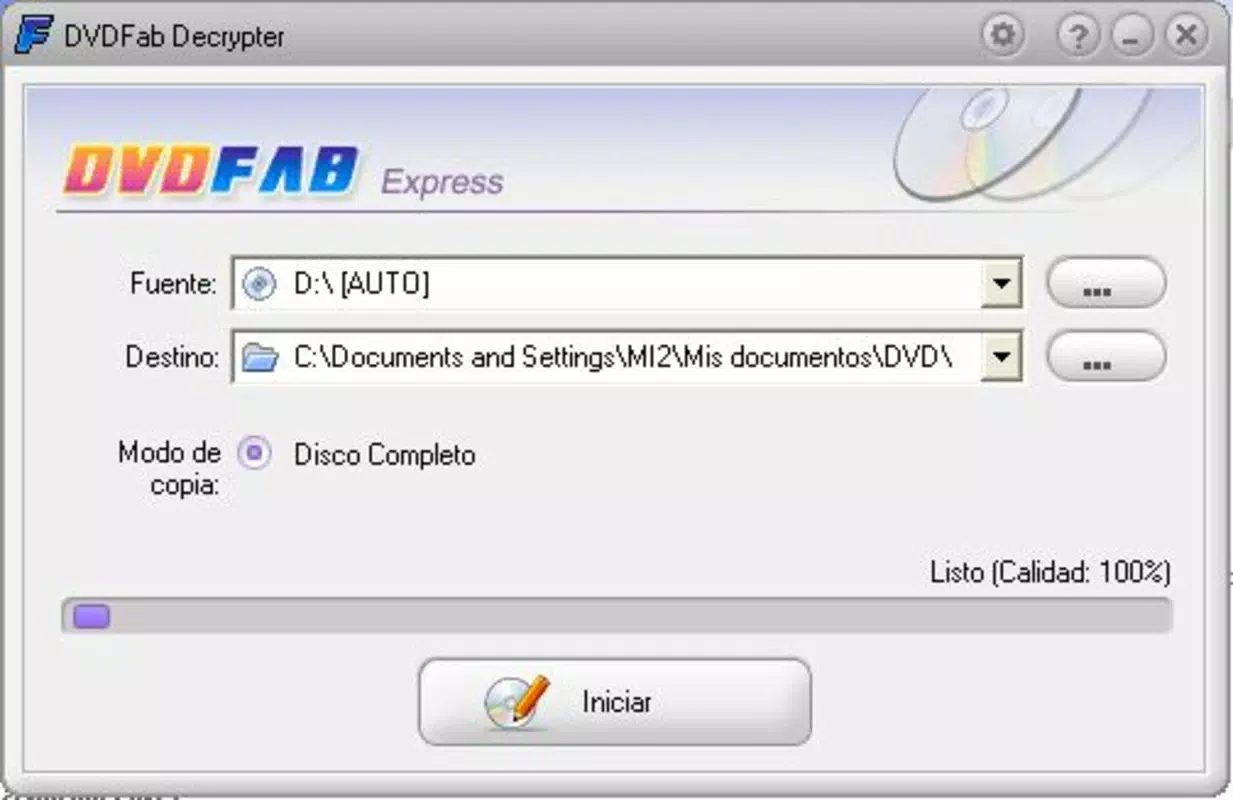
The user interface of DVDFab HD Decrypter is clean and minimalistic, focusing on core functionality without unnecessary distractions. Navigation follows a linear flow: insert the DVD, select the destination folder, and start the process. The layout is optimized for ease of use, with clearly labeled buttons and real-time progress indicators.
Although the developer did not list formal performance metrics, the app is reported to operate efficiently on a range of Windows systems. It maintains responsiveness during long-running operations, allowing users to continue working on other tasks. Stability appears consistent, with no widespread reports of crashes or data corruption during backup processes.
Performance may vary depending on the system’s hardware, particularly the optical drive speed and disk write performance. However, the app is designed to scale with available resources, making it suitable for both older and modern Windows machines. The lack of advanced settings or customization options reflects its purpose as a no-configuration tool for straightforward backups.
Platform Compatibility & Technical Requirements
DVDFab HD Decrypter is available exclusively for the Windows platform. The current version is 11.10.0.0, with a file size of 175.5 MB. This indicates a compact footprint for a utility of its type, suitable for installation on systems with limited storage space.
The developer did not specify minimum OS requirements, nor were details provided about compatibility with specific Windows versions. However, given the app’s release date in 2016 and its continued availability, it likely supports Windows 7 and later, including Windows 10 and 11. Users should ensure their system has a functional optical drive to read DVDs, as the app does not support digital disc images without physical media.
Compatibility with newer hardware or operating system updates cannot be confirmed without official documentation. It is recommended to verify system readiness before installation.
Pros and Cons
Pros
- Simple, intuitive interface ideal for beginners and casual users
- Efficiently creates complete, high-quality backups of DVDs
- Effectively bypasses common copy protection schemes
- Fast processing speed enables quick backup completion
- Free to download and use, with no in-app purchases
- Allows flexible storage location selection for better file management
Cons
- Only available for Windows, limiting cross-platform use
- No support for digital disc images or ISO files
- Developer did not provide detailed system requirements
- App has not been updated since 2016, raising potential compatibility concerns
- Minimal customization options for advanced users
FAQ
Is DVDFab HD Decrypter safe to use?
Yes, the app is considered safe when used for legally owned DVDs. It does not contain malware or intrusive behavior. However, users should download it only from official sources to avoid tampered versions.
Can I use DVDFab HD Decrypter on macOS or Linux?
No, the application is currently only available for Windows. There is no official support for macOS or Linux systems.
Does DVDFab HD Decrypter require an internet connection?
Not for basic backup operations. However, an internet connection may be needed to verify updates or access support resources.
Can I copy protected DVDs using this tool?
Yes, the app is designed to bypass common copy protection technologies like CSS and region codes, allowing users to copy protected DVDs.
How do I install DVDFab HD Decrypter?
Download the installer from the official website, run the file, and follow the on-screen instructions. Ensure your system has a working DVD drive before starting the process.
Final Thoughts
DVDFab HD Decrypter remains a dependable tool for users seeking a no-nonsense solution to back up their DVD collection. Its straightforward design, fast performance, and ability to bypass copy protection make it a valuable asset for media preservation. While its last update dates back to 2016, the app continues to serve its core purpose effectively for Windows users.
It is especially suited for individuals who value simplicity and reliability over advanced features. Whether you're archiving personal videos or safeguarding classic films, this utility offers a secure and efficient path to digital storage.
For those with a Windows PC and a need to preserve physical DVDs, DVDFab HD Decrypter delivers clear value at no cost. Download DVDFab HD Decrypter now.


